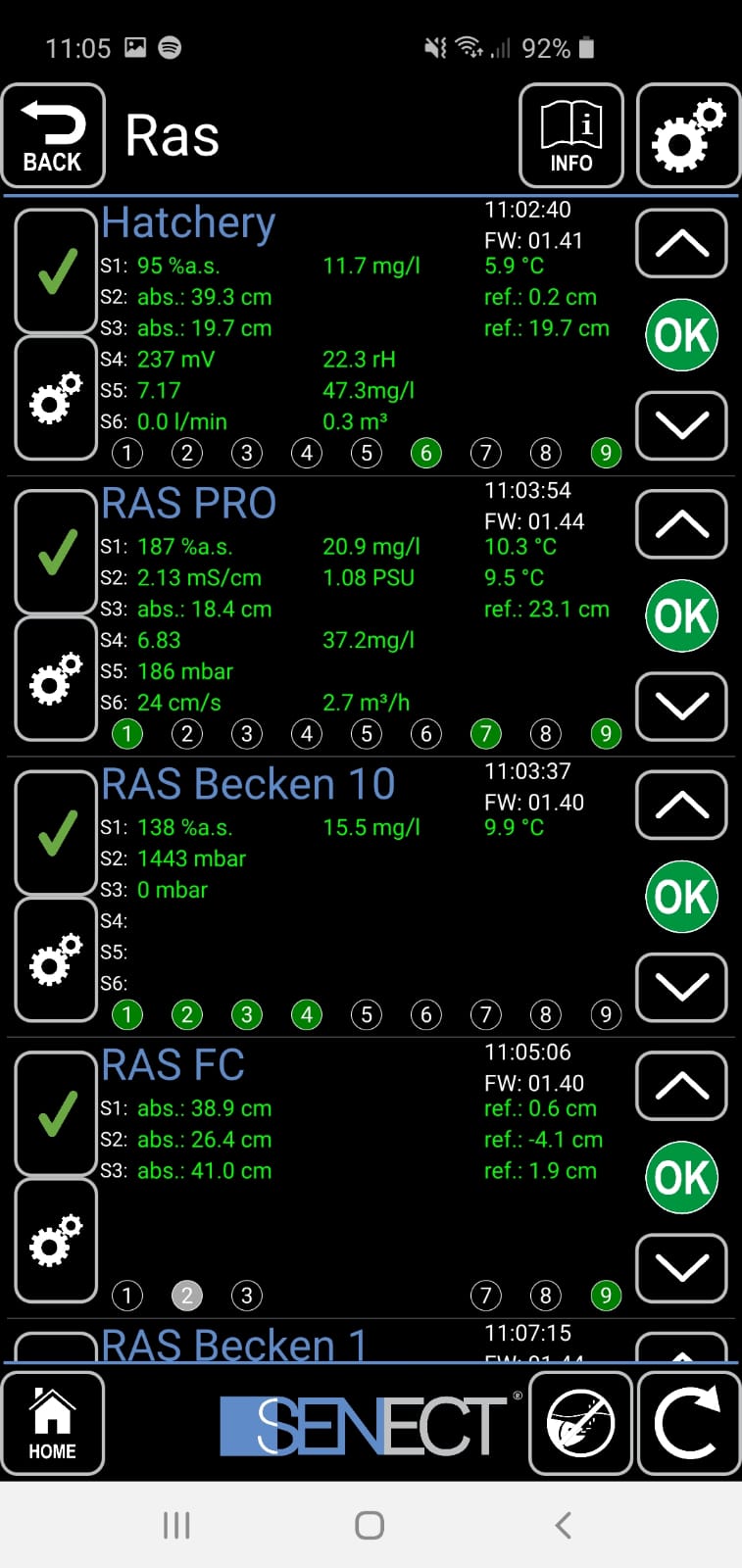
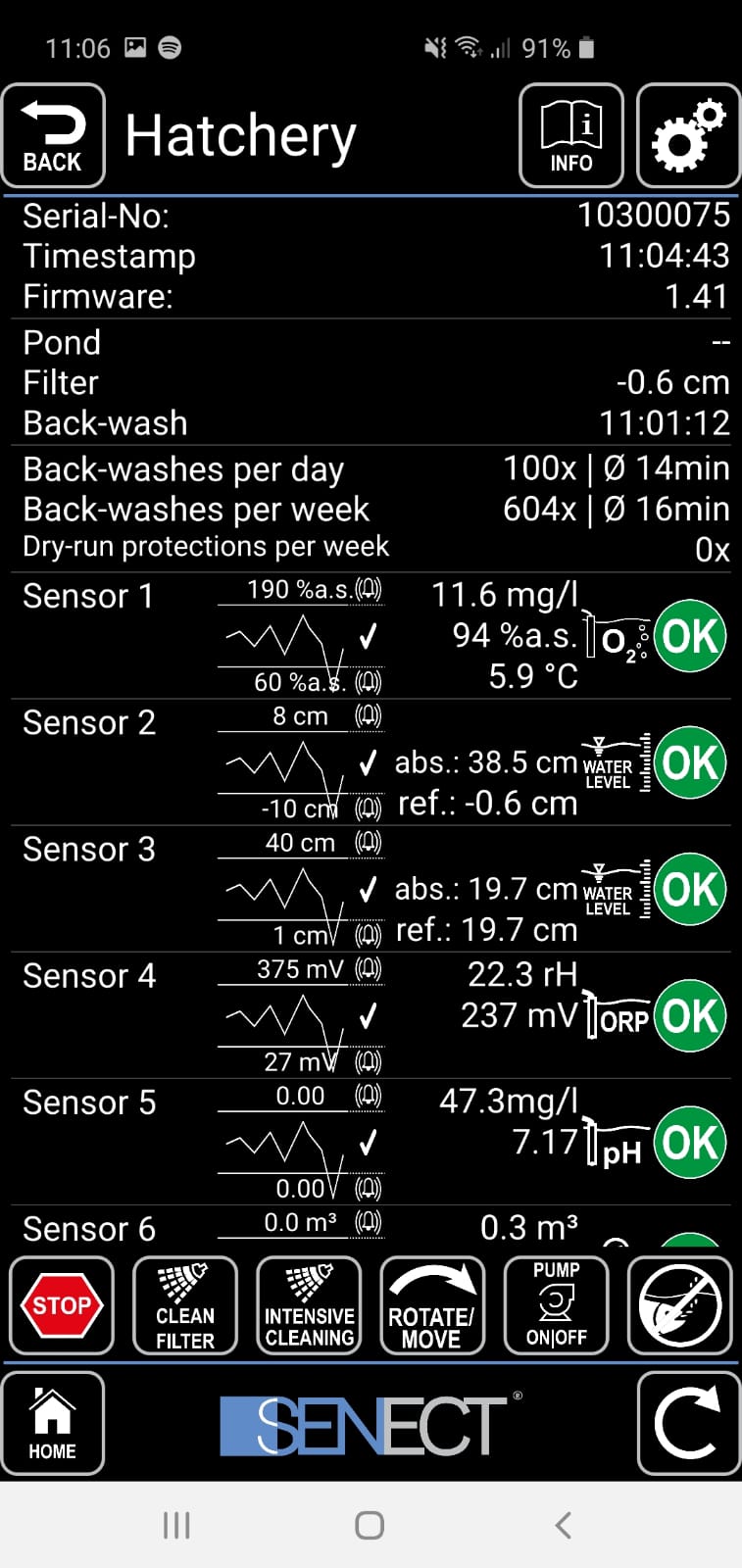
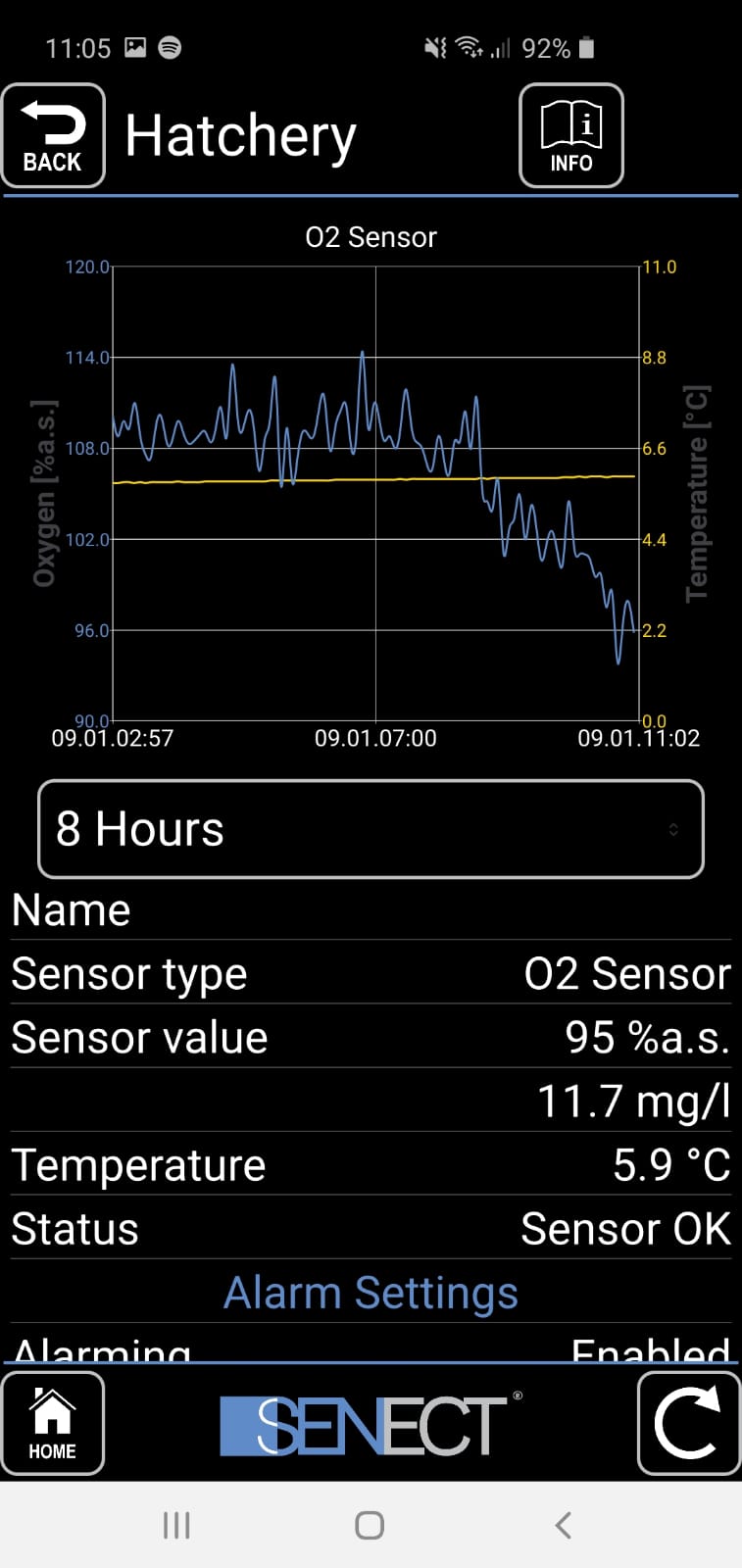
Monitor and control all your control units, water parameters, and filter functions in real time - conveniently from anywhere and on any device.
With the SENECT Control App, you have full control over your aquaculture systems - now also conveniently on your PC. Monitor all water parameters and control filter functions, feeding, aeration, and water refilling in real time. The intuitive user interface enables easy management of your systems, whether in the office or on the go.
Download now!


Central Control of Your Aquaculture - Anytime & Anywhere
With the SENECT Control App, operators of aquaculture, RAS, and fish farming systems always maintain full oversight. Via a secure WLAN connection, all connected SENECT devices are centrally displayed and controlled - conveniently on smartphone, tablet, or PC.
Monitor among others:
- Oxygen levels
- Water temperature
- Water level
- Equipment and filter status
- System and facility conditions
Intelligent Alarm & Notification System
The integrated alarm function ensures maximum operational reliability. When deviations from defined threshold values or technical faults occur, you receive immediate push notifications or emails. This allows you to respond quickly and prevent failures or losses.
Simple Operation & Flexible Configuration
The SENECT Control App impresses with its intuitive user interface. Settings can be quickly adjusted, actuators precisely controlled, and processes efficiently monitored - without any additional software installation.
Key functions at a glance:
- Configuration of control and threshold values
- Manual and automatic device control
- Graphical display of measurement values
- Overview of all connected control units
Benefits of the SENECT Control App at a Glance:
- Simple and convenient setting adjustments
- Monitor water parameters remotely on the go
- Alerts for threshold exceedance or undershooting
- Clear overview: Control all units in one software
- Comfortable: Execute actions (e.g. feeding), make settings
- Insightful: Graphical sensor measurement display
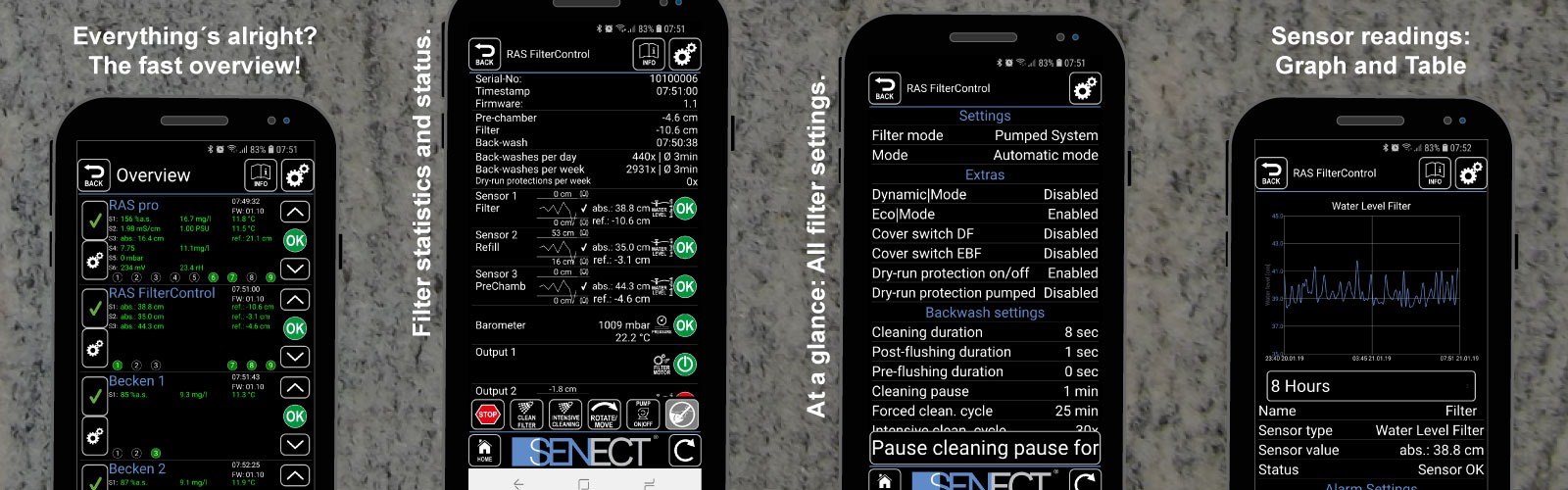
App views